
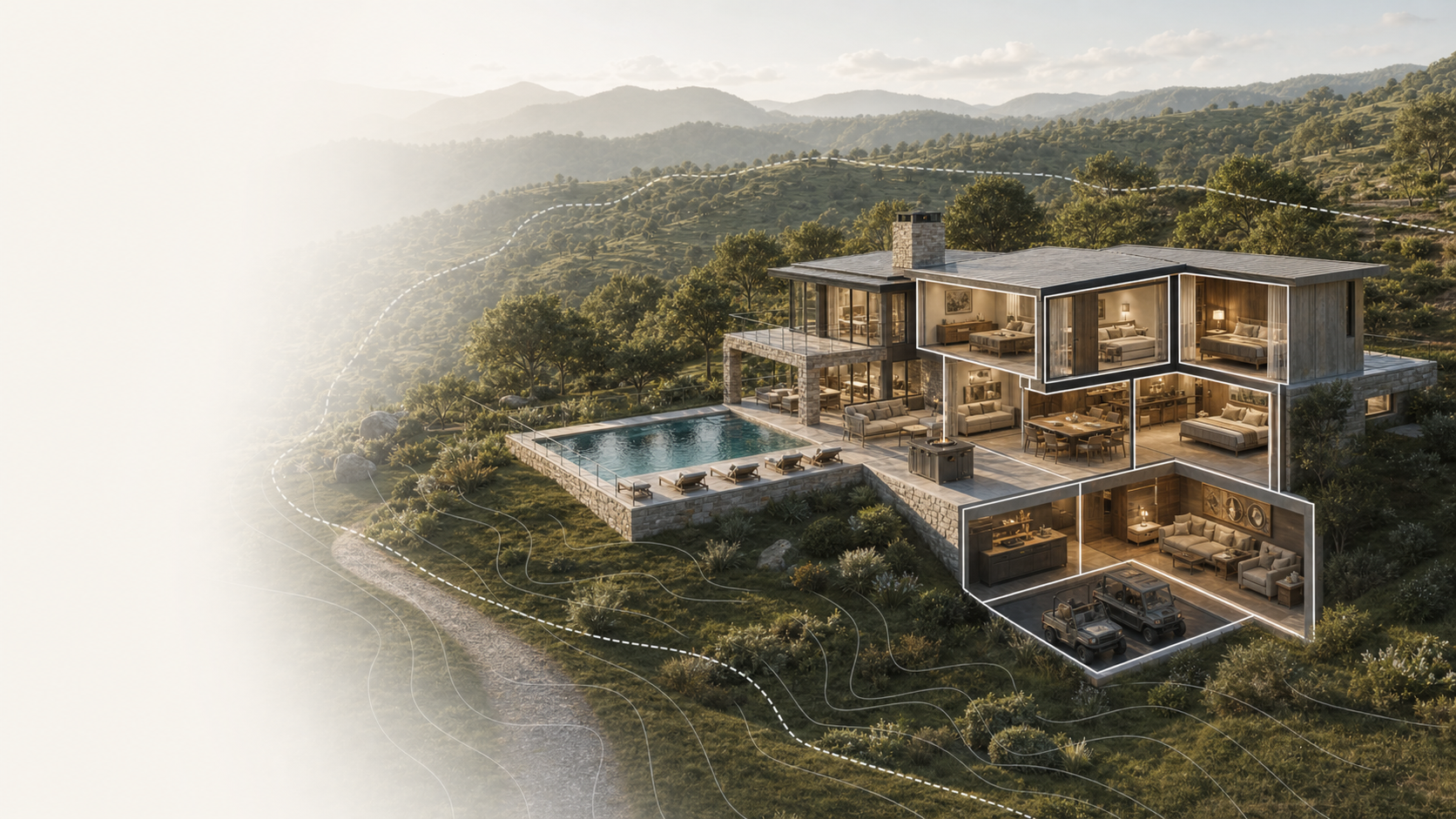
Residential
A brokerage can keep active listings polished while upcoming replacements are staged behind the scenes.
Platform
PIXL creates the visual experience. Atlas keeps the live narrative in your hands: availability, status, rooms, CTAs, releases, and the property context around them.
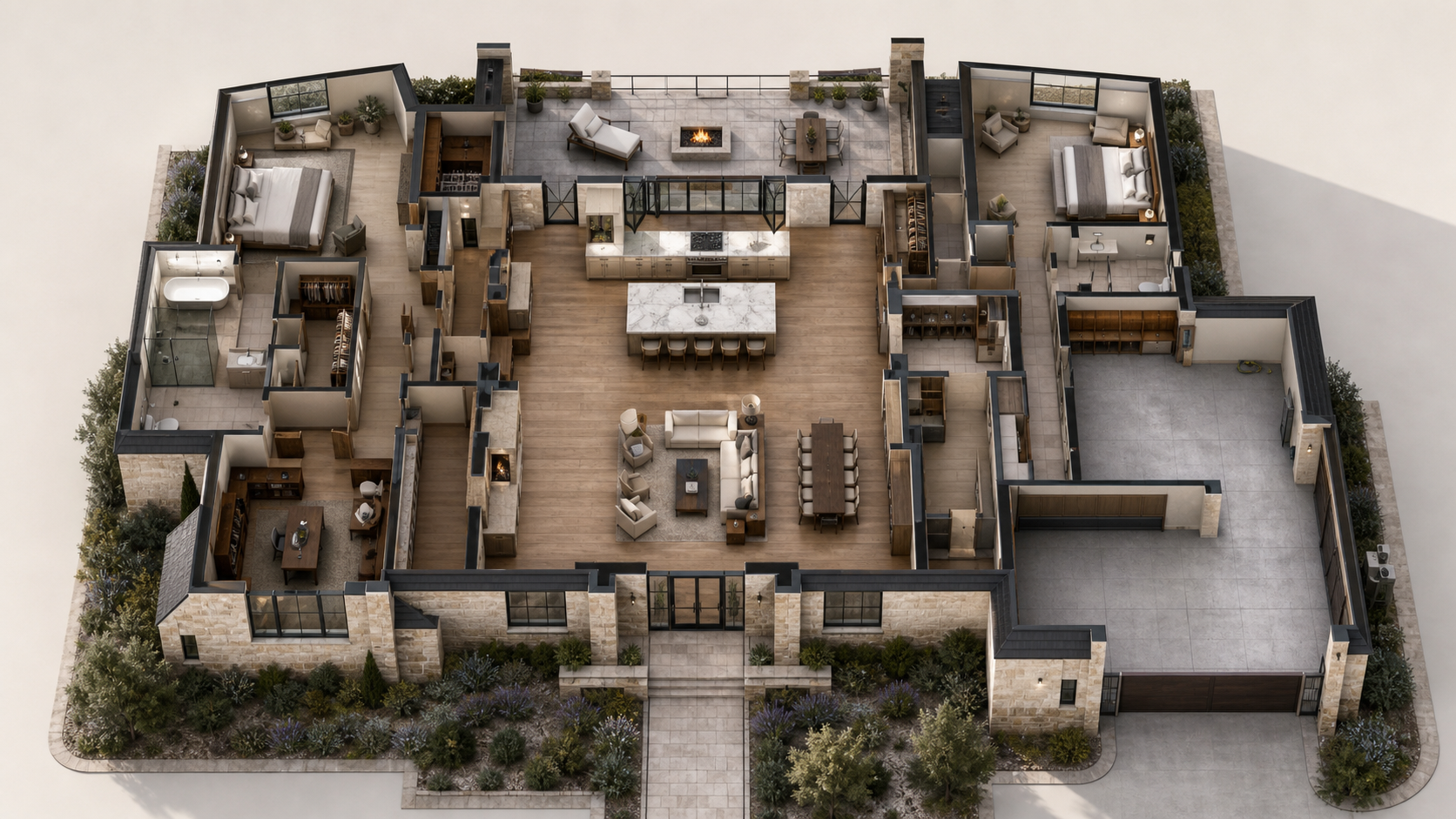
Section-cut storytelling
Instead of sending people into a flat page of facts, Atlas gives the visual package room to lead before the live data and calls to action come forward.
Live inventory
The map is not the product by itself. It is the orientation layer for active listings, overflow inventory, commercial spaces, rental portfolios, and capture planning.
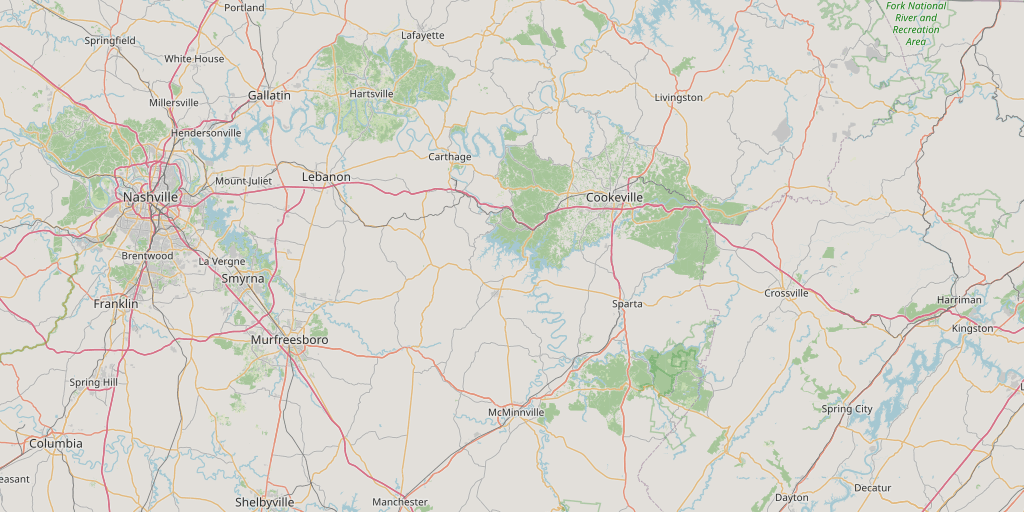
Portfolio view
Map the work and the public inventory.
Brokerages, builders, and operators can see where the public experiences live, which properties are waiting, and what is ready to release.
Control layer
Atlas lets a client update the safe parts of the live story while PIXL protects the authored experience: room interactions, section states, map context, releases, and the presentation surfaces that buyers actually see.
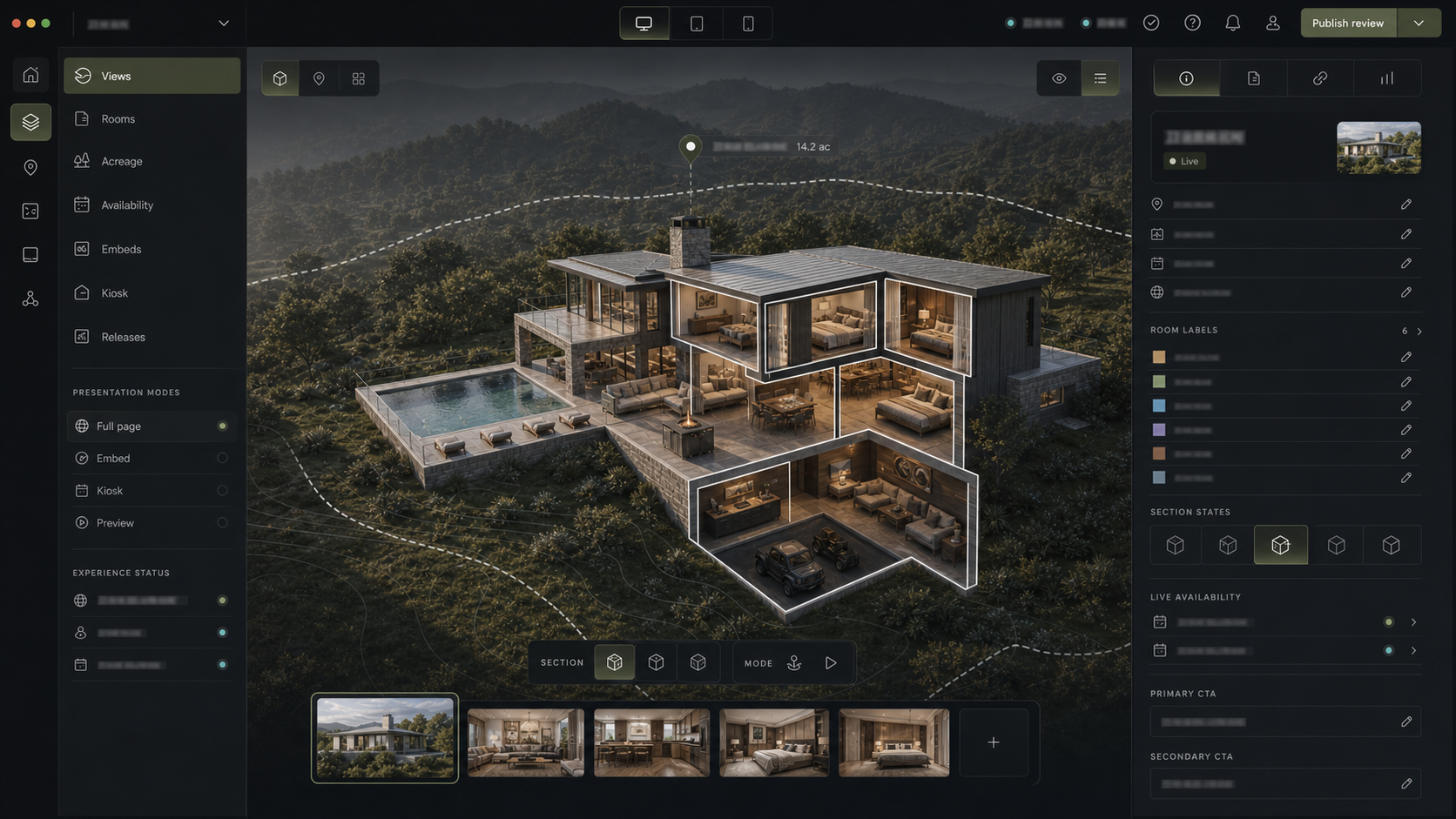
Client-safe backend
Status, pricing language, availability, room copy, CTA language, agent assignment, release review, and publish timing can stay organized behind the public surface.
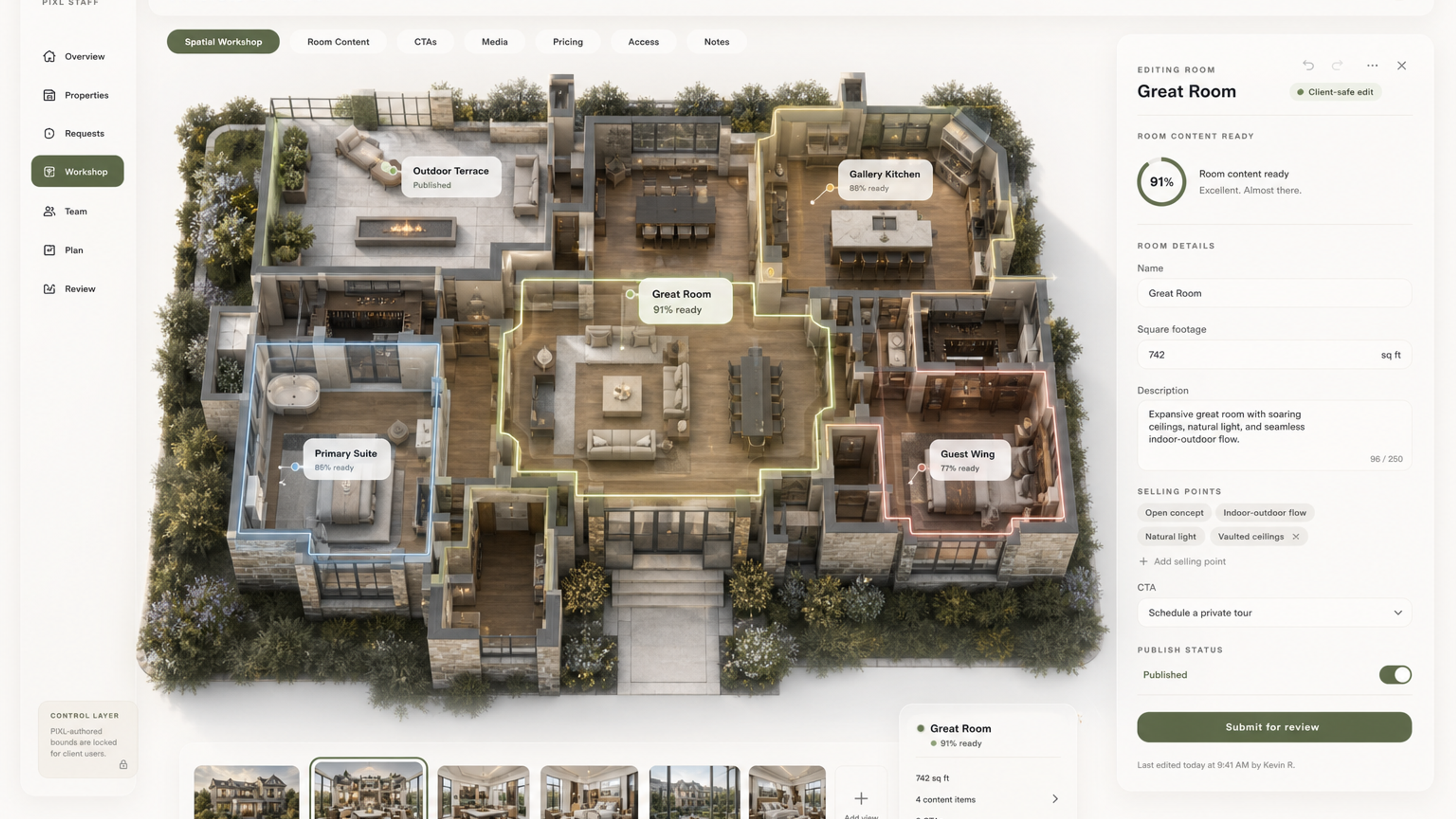
PIXL authored workspace
PIXL can build the hover bounds, room moments, section cuts, transitions, and release-ready surfaces before handing safe controls to the client.
Section cuts
Show the property as a composed visual system: exterior, floor cut, room path, and authored reveal.
Portfolio map
Give teams a geographic view of active inventory, queued captures, launches, and replacement properties.
Live metadata
Status, availability, rooms, CTAs, agents, unit data, and release state stay editable after launch.
Every surface
One hosted experience can become a public page, website embed, preview link, or kiosk presentation.
Use cases
Residential
A brokerage can keep active listings polished while upcoming replacements are staged behind the scenes.
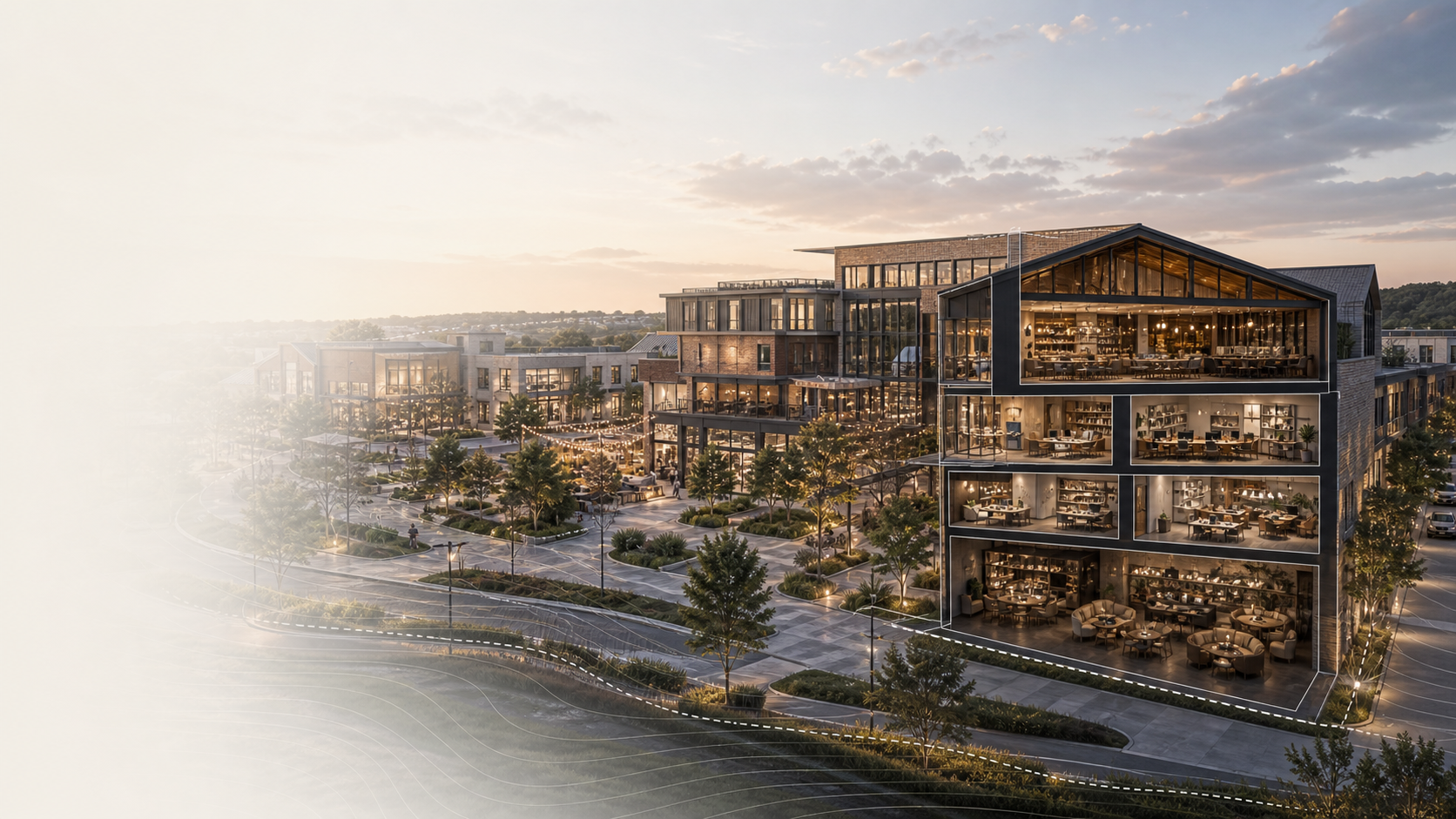
Commercial
Leasing teams can present buildings, suites, availability, and tenant-facing context without a generic listing page.
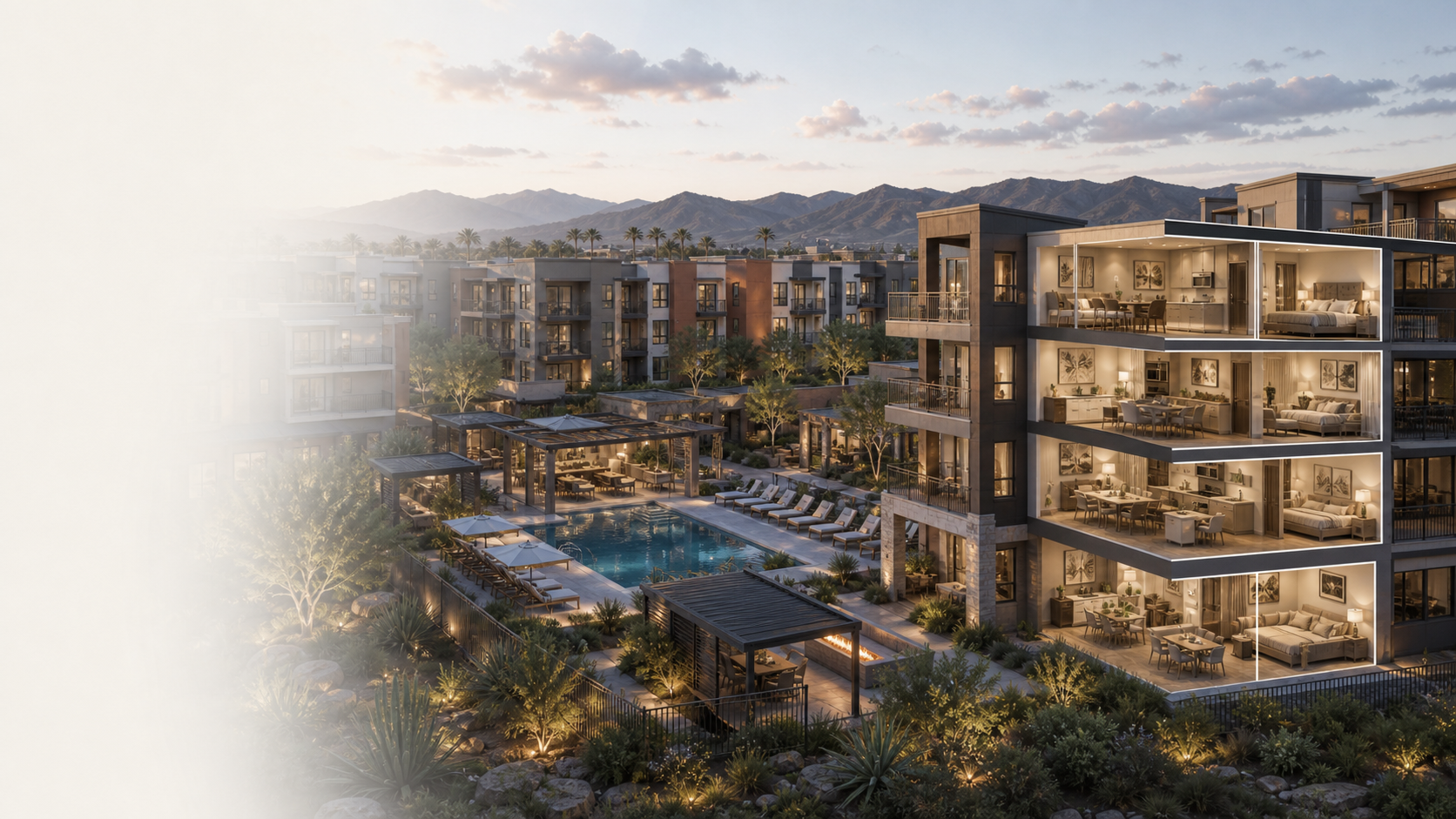
Multifamily
Rental operators can keep units, amenities, and floor-plan context connected to the same premium property shell.
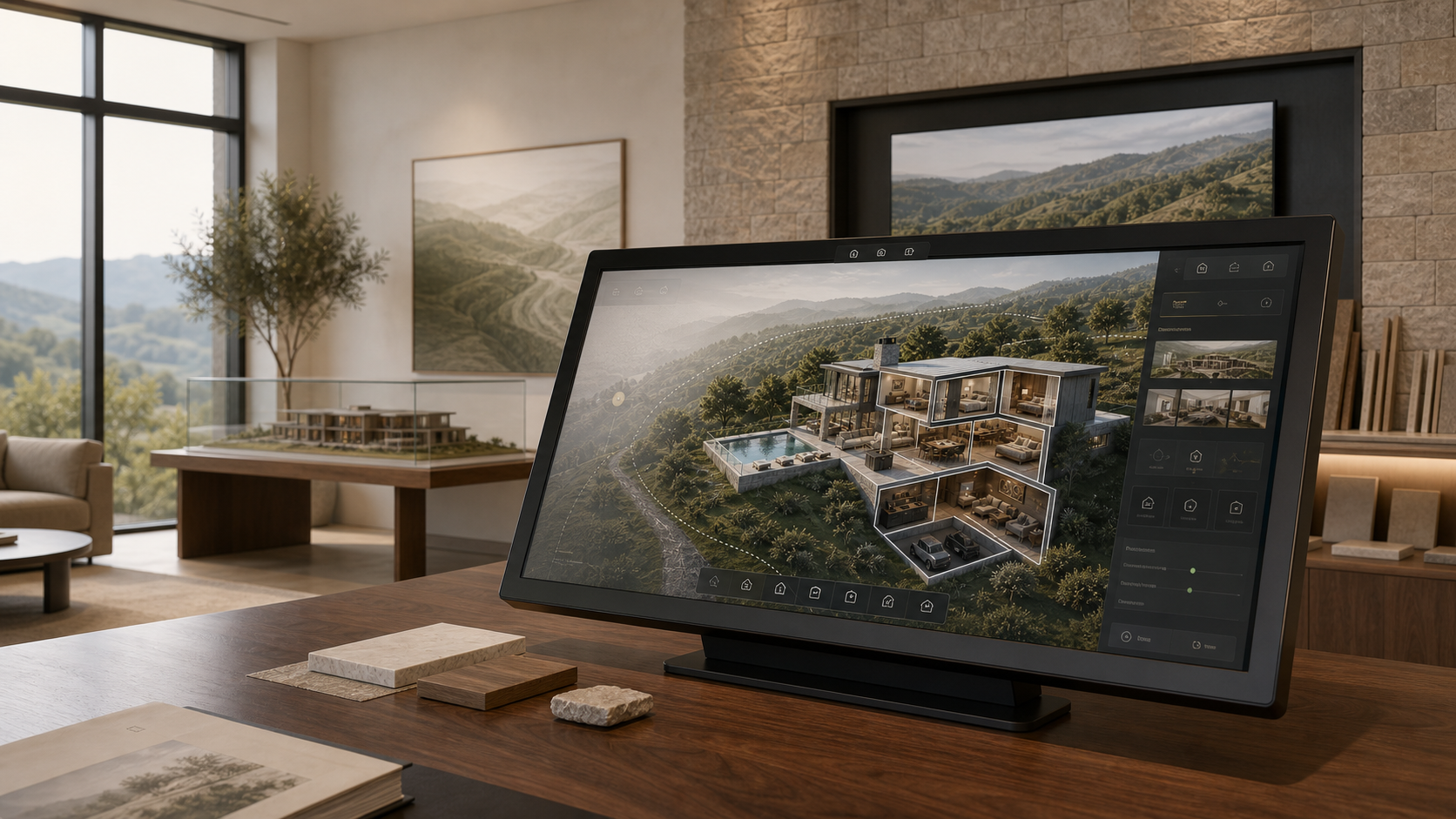
Hosted delivery
Atlas is the operating layer around the visual package, so the same property story can move from a brokerage site to a sales-center screen without becoming a pile of disconnected links.